|
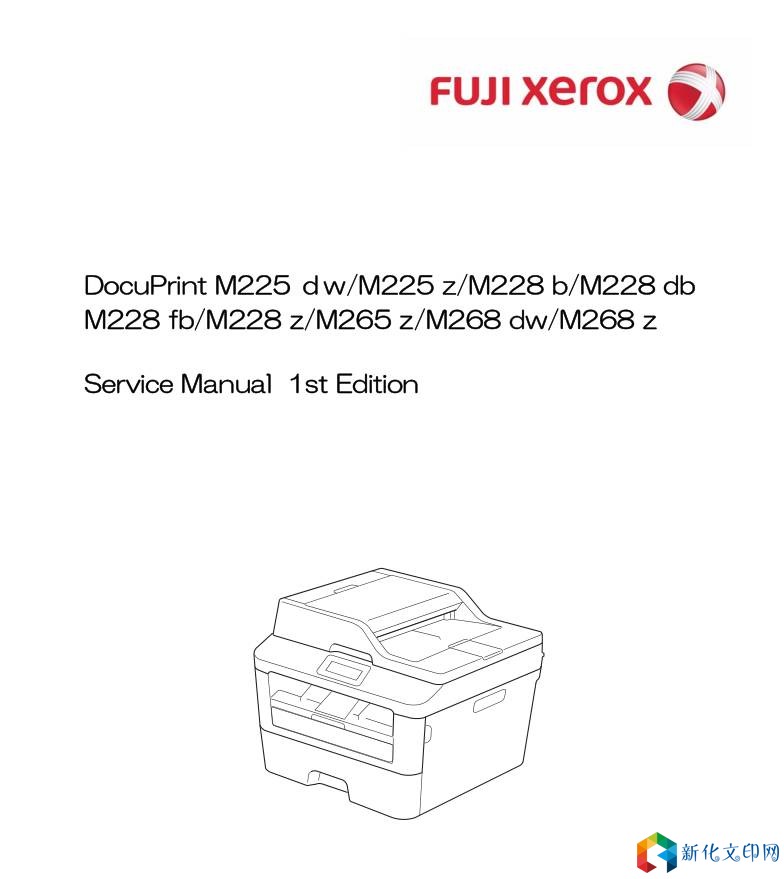
Xerox DocuPrint M225dw/M225 z/M228 b/M228 db-M228 fb/M228 z/M265 z/M268 dw/M268 z Sửa chữa hướng dẫn sử dụng
Emulation Changes the print language. The Function Menu setting becomes valid. For data with ENTERLANGUAGE, this setting supersedes the setting on the LCD. Auto I/F Time Changes the inte**ce open time. This setting becomes invalid when PC- Scan or Remote-SetUp is executed. Media Type Valid for printing from the computer only. When the Paper type is set on the computer, the setting on the computer supersedes the setting on the LCD. The default varies depending on the country setting. "Thin" is the default for China and "Plain" is the default for other countries. Paper Size Changes the image development area. Sets the drawing size for PC-Print, instead of the setting for Paper Size in the menu. When the Paper size is set on the computer, the setting on the computer supersedes the setting on the LCD. The default varies depending on the country setting. "Letter" is the default for U.S.A. / Canada and "A4" is the default for other countries. Copies Valid for printing from the computer only Liên kết: https://pan.baidu.com/s/1IUnt2AZduXZ7-pR6r86Ikw&shfl=sharepset Mã sản phẩm: GBGA Mật khẩu tài liệu: tdlcsdec04 |
Địa chỉ của bài viết này:https://www.073868.com/post/4145.html
Tuyên bố bản quyền:
Vui lòng gửi e-mail: weixiuwang68@qq.com