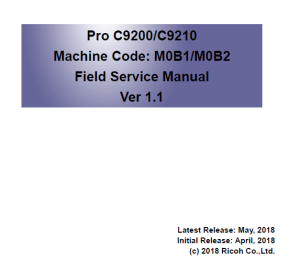
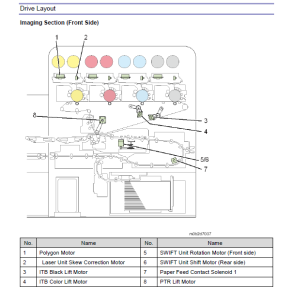
Ricoh Pro C9200 ,C9210 Tiếng Anh sửa chữa hướng dẫn sử dụng phiên bản 1.1
Quay lại sớm6510
Ricoh Pro C9200 ,C9210 Tiếng Anh sửa chữa hướng dẫn sử dụng phiên bản 1.1
1. Press [Tray Paper Settings] in the upper left corner of the screen. 2. Press [Paper Tray] tab. 3. Press [CustomPaper Management]. 4. Insert an SD card into the media slot on the operation panel. 5. Press [Export]. 6. Press [OK]. 7. Press [Exit]. Importing the data from a SD card 1. Press [Tray Paper Settings] in the upper left corner of the screen. 2. Press [Paper Tray] tab. 3. Press [CustomPaper Management]. 4. Insert an SD card into the media slot on the operation panel. 5. Press [Import]. 6. Select [From SD Card] 7. Select the name of the paper that you want to register. 8. Press [Import]. 9. Press [OK]. 10. Press [Exit].
Tài liệu được chia sẻ qua Baidu Web Drive: Ricoh Pro C9200, C9210 tiếng Anh sửa chữa hướng dẫn sử dụng phiên bản 1.1.pdf Liên kết: https://pan.baidu.com/s/1TwNytBywa93jZoUCyNFX7w
Xerox Apeos C2060_C2560_C3060 Trung Quốc sửa chữa hướng dẫn sử dụng Phiên bản 1.1 Tài liệu được chia sẻ qua Baidu Web Disk: Apeos C2060_C2560_C3060 Sửa chữa hướng dẫn sử dụng 1.1.z...
Xerox Apeos 2560_3060_3560 Trung Quốc sửa chữa hướng dẫn sử dụng 1.1 phiên bản được chia sẻ thông qua Baidu Disk: Apeos 2560_3060_3560 Sửa chữa hướng dẫn sử dụng 1.1.zip liên kết: h...