|
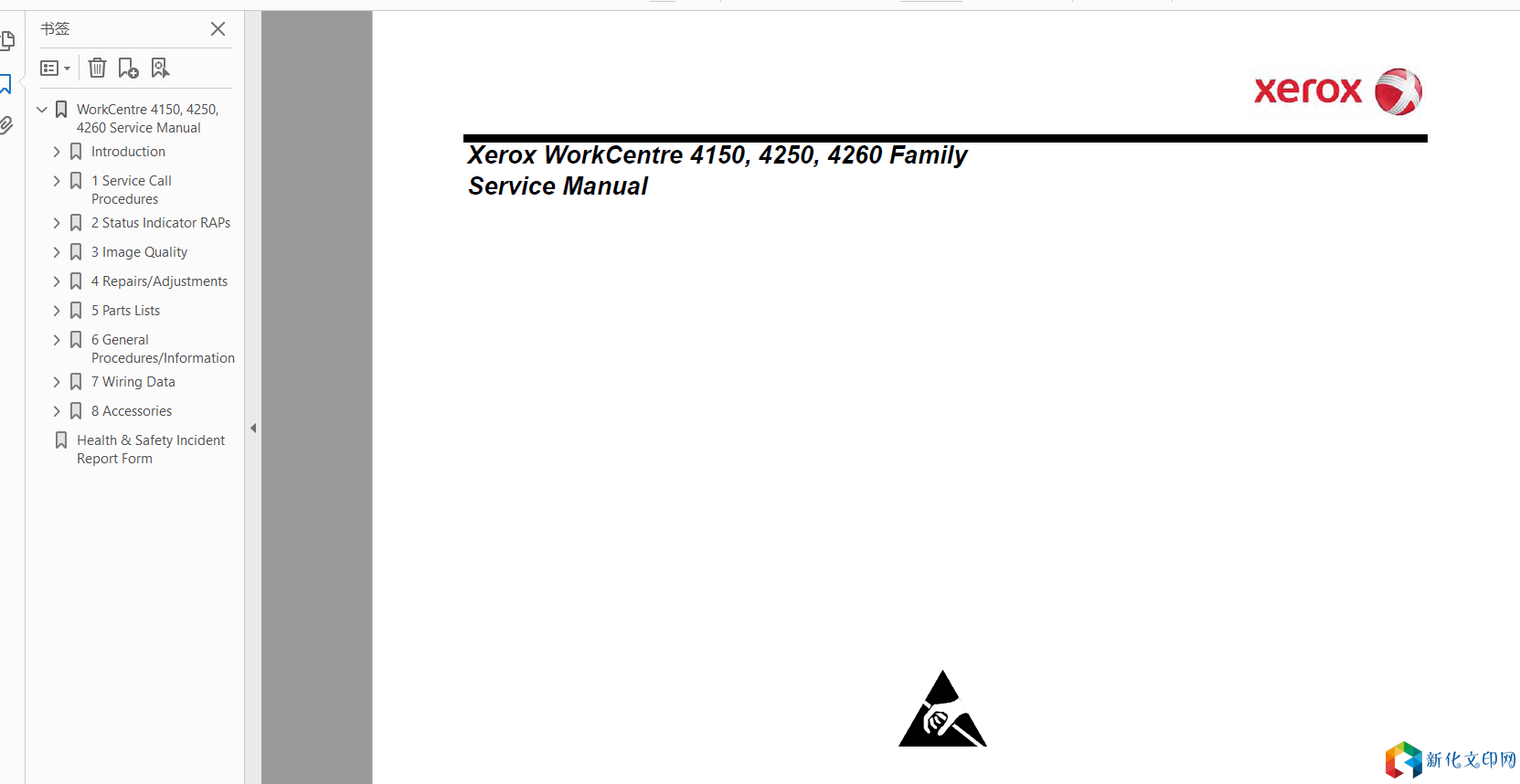
Xerox WorkCentre 4150, 4250, 4260 Family Service Manual
Switch off the electricity to the machine. Disconnect the power cord from the customer supply while performing tasks that do not need electricity. Electricity can cause death or injury. Moving parts can cause injury. WARNING Take care during this procedure. Sharp edges may be present that can cause injury. CAUTION Before performing this procedure, refer to General Disassembly Precautions, GP 10. Installing the Foreign Device Inte**ce 1. Unpack the components of the foreign device inte**ce kit. 2. If necessary, disconnect the finisher harness and the network cable. 3. If necessary, remove the fax module, PL 1.15 Item 14. NOTE: Leave the fax cable connected to the fax module. 4. Remove the infill cover, PL 1.15 Item 19. 5. Carefully remove the foreign device inte**ce push-out from the infill cover, Figure 4. Liên kết: https://pan.baidu.com/s/16IhQ33yVN86jbIcj9eyWnA Mã sản phẩm: 0lec |
Địa chỉ của bài viết này:https://www.073868.com/post/1389.html
Tuyên bố bản quyền:
Vui lòng gửi e-mail: weixiuwang68@qq.com