|
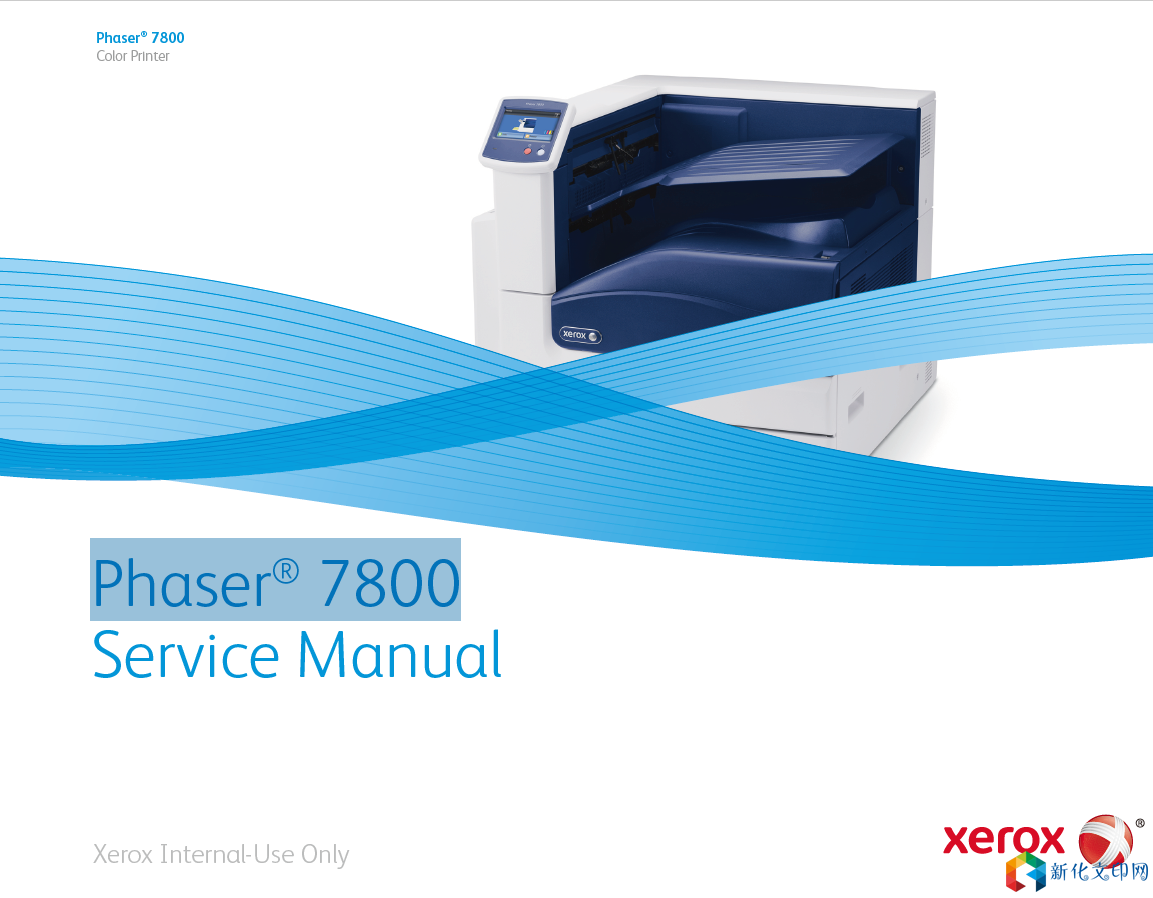
시락 Phaser® 7800 컬러 레이저 프린터 수리 매뉴얼 고장 처리 분해 도해 수리 매뉴얼
Power Safety Power Source For 115 VAC printers, do not apply more than 135 volts RMS between the supply conductors or between either supply conductor and ground. For 230 VAC printers, do not apply more than 254 volts RMS between the supply conductors or between either supply conductor and ground. Use only the specified power cord and connector. This manual assumes that the reader is a qualified service technician. Plug the three-wire power cord (with grounding prong) into a grounded AC outlet only. If necessary, contact a licensed electrician to install a properly grounded outlet. If the product loses its ground connection, contact with conductive parts may cause an electrical shock. A protective ground connection by way of the grounding conductor in the power cord is essential for safe operation. Disconnecting Power Disconnect the power cord in the following cases: • if the power cord or plug is frayed or otherwise damaged, • if any liquid or foreign material is spilled into the product, • if the printer is exposed to any excess moisture, • if the printer is dropped or damaged, • if you suspect that the product needs servicing or repair, • whenever you clean the product. Service Safety Summary General Safety The printer and recommended supplies have been designed and tested to meet strict safety requirements. Attention to the following information will ensure the continued safe operation of the printer. Electrical Safety • Use the power cord supplied with the printer. • Plug the power cord directly into a properly grounded electrical outlet. • Do not use a ground adapter plug to connect the printer to an electrical outlet that does not have a ground connection terminal. • Do not use an extension cord or power strip. • Do not place the printer in an area where people might step on the power cord. • Do not place objects on the power cord. • Do not block the ventilation openings. These openings are provided to prevent overheating of the printer. • Do not drop paper clips or staples into the printer. 링크:https://pan.baidu.com/s/10WjWGvOn6g0wM9SO_XA8qg 추출 코드: 15qf |
이 문서의 주소:https://www.073868.com/post/597.html
저작권 고지:
관련 권리침해, 신고, 고소 및 건의 등은 E-mail:weixiuwang68@qq.com
태그: #7800