|
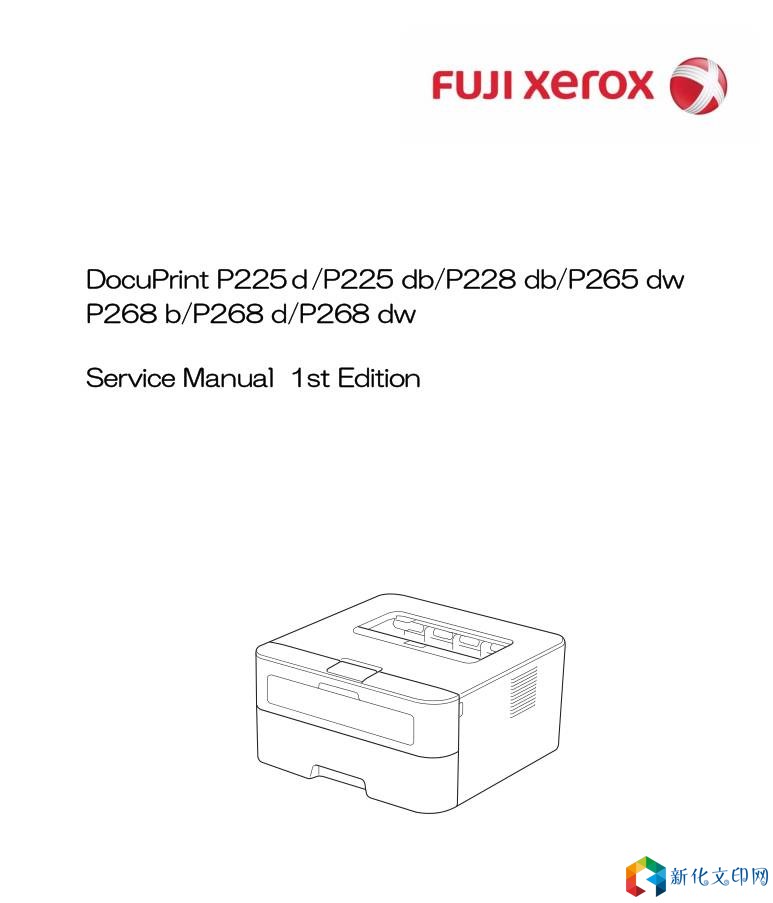
슈라우드 DocuPrint P225d-P225db-P228db/P265dw-P268b-P268d-P268dw 수리 브로셔
Checks before Commencing Troubleshooting Check the following items before commencing repairs on the machine. n Operating environment (1) The machine is placed on a flat, stable su**ce. (2) The machine is used in a clean environment where the temperature is 10°C (50°F) to 32.5°C (90.5°F), and the relative humidity is maintained between 20% and 80%. (3) The machine is not exposed to direct sunlight, excessive heat, moisture, or dust. (4) Hold the machine level while moving it. Be sure to move or lift the machine with two or more people. n Power supply (1) Power described on the rating label attached on the machine is supplied. Power fluctuation should be within ±10% of the rated voltage. (2) The AC input power supply is within the regulated value. (3) The cables and harnesses are connected correctly. (4) The fuses are not blown. n Paper (1) The recommended type of paper is being used. (2) The document is not damp. (3) Short-grained paper or acid paper is not used. n Consumable parts 링크:https://pan.baidu.com/s/1YBn_DRJ67ZU7TTJ7oBStRQ 추출 코드: l3lj 문서 암호: tdlcsdec04 |
저작권 고지:
관련 권리침해, 신고, 고소 및 건의 등은 E-mail:weixiuwang68@qq.com