|
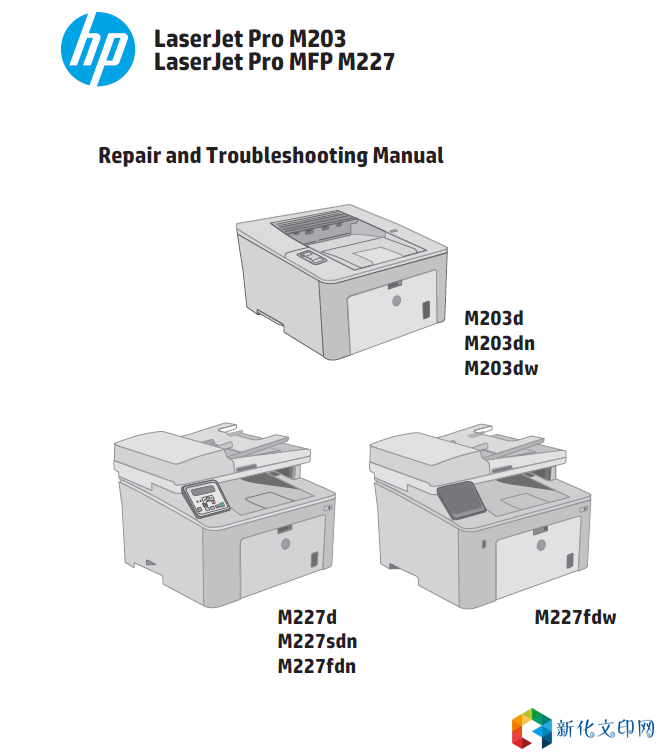
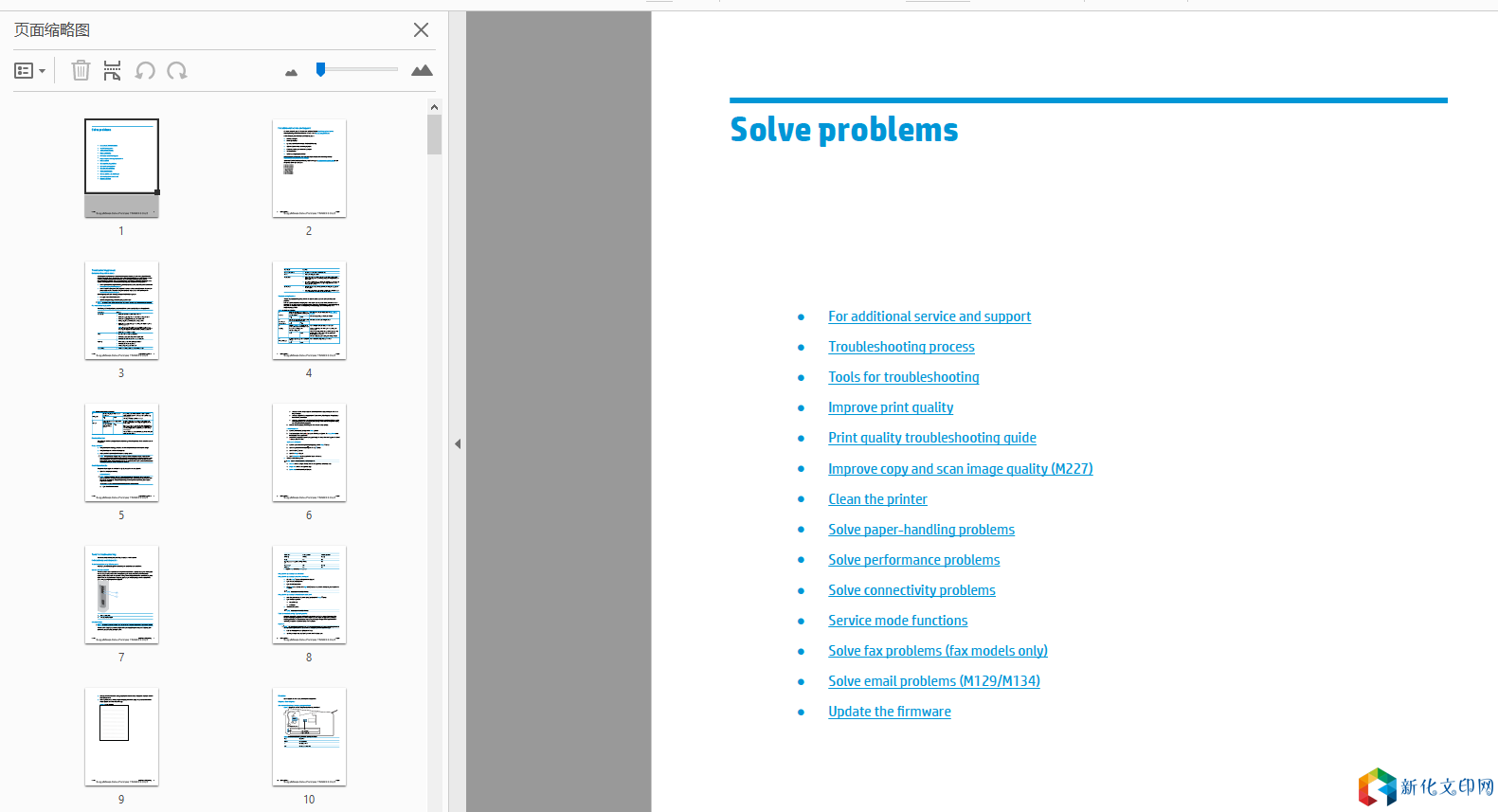
HP M203, M206, M227, M231 영어 수리 매뉴얼 + 문제 해결 매뉴얼 1452페이지 + 200페이지 M203d,M203dn,M203dw,M227d,M227fdw,M227sdn,M227fdn
Required tools ● #2 Phillips screwdriver with a magnetic tip. After performing service Turn the printer power on ○ Connect the power cable. ○ Use the power switch to turn the power on. Post service test MFP only: Verify that the document feeder and the flatbed scanner are correctly functioning (copy a page). Send an NFC print job to the printer. Verify that a page prints. Step 1: Remove the duplex door 1. Open the duplex door. 2. Use a small flat-blade screwdriver to release two tabs (callout 1), and then remove the duplex door (callout 2). Figure 1-615 Remove the duplex door 링크:https://pan.baidu.com/s/1cXbhIAWSput1ZIK8n59h0A 추출 코드: nx9m |
저작권 고지:
관련 권리침해, 신고, 고소 및 건의 등은 E-mail:weixiuwang68@qq.com